
Download WinUHA – Free High Compression Archiver for Windows (WinZip Alternative)
WinUHA is a powerful, free file compression utility designed for users who prioritize maximum file size reduction over speed. Built on the advanced UHARC engine, WinUHA delivers compression ratios up to 10-20% better than industry standards like WinZip and WinRAR. This makes it an ideal tool for sending large multimedia files via email, backing up data efficiently, or conserving storage space.
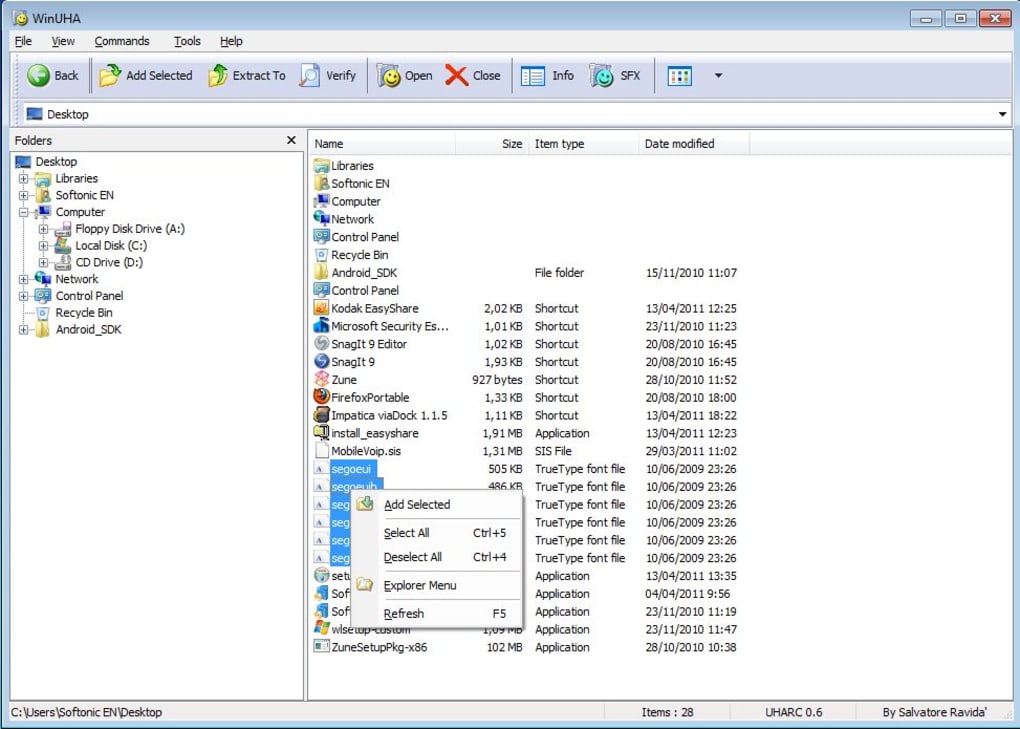
With a clean, intuitive interface inspired by classic archivers, WinUHA allows users to compress and extract files with just a few clicks. Despite its slower processing time compared to mainstream tools, the trade-off is well worth it for those who need the smallest possible archives. Available for Windows 7 and later, WinUHA is lightweight, secure, and completely free to download and use.
The developer welcomes donations to support ongoing development, ensuring the tool remains updated and accessible.
Why WinUHA Stands Out in File Compression
When it comes to file compression, most users default to WinZip or WinRAR due to their reliability and widespread support. However, WinUHA offers a compelling alternative by leveraging the UHARC algorithm—a command-line tool known for its exceptional compression efficiency. While the original UHARC is notoriously slow and lacks a user-friendly interface, WinUHA bridges that gap by providing a graphical front-end that’s easy to navigate. The result? A tool that combines the power of high-efficiency compression with the simplicity of drag-and-drop functionality. One of the most impressive aspects of WinUHA is its ability to significantly reduce file sizes, especially for multimedia content. In real-world testing, a 11.1MB video file was compressed down to just 7.1MB—compared to 9MB using WinZip. For larger files, such as a 1GB movie, the difference can reach up to 100MB, translating into major savings in storage and bandwidth. This makes WinUHA particularly valuable for users who frequently send large attachments via email or need to back up extensive media libraries. The compression ratio advantage is not just a minor improvement—it’s a game-changer for anyone working with large datasets. Despite these benefits, it’s important to acknowledge that speed is not WinUHA’s strong suit. Compression tasks can take significantly longer than with WinZip or WinRAR, and there’s no built-in option to adjust compression levels for faster performance. This trade-off is intentional: the tool prioritizes size reduction over speed. For users who value efficiency and minimal file size over time, this is a worthwhile compromise. The interface is clean, responsive, and designed for straightforward use—perfect for both beginners and advanced users who want to avoid unnecessary complexity.Installation, Usage, and Compatibility
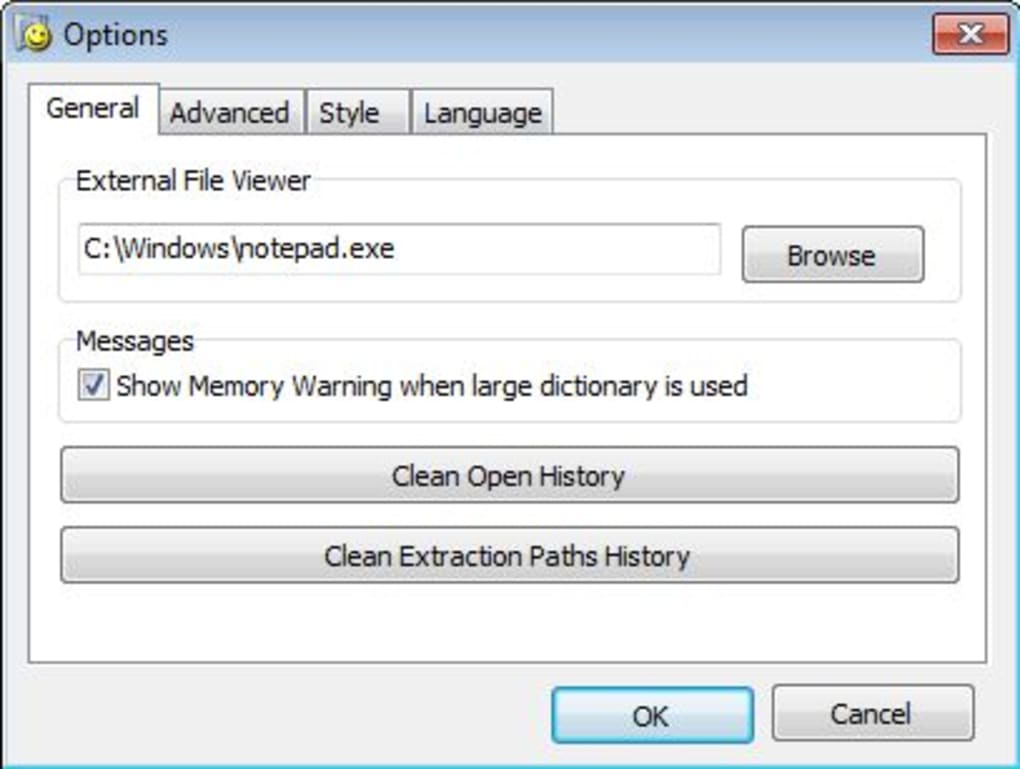
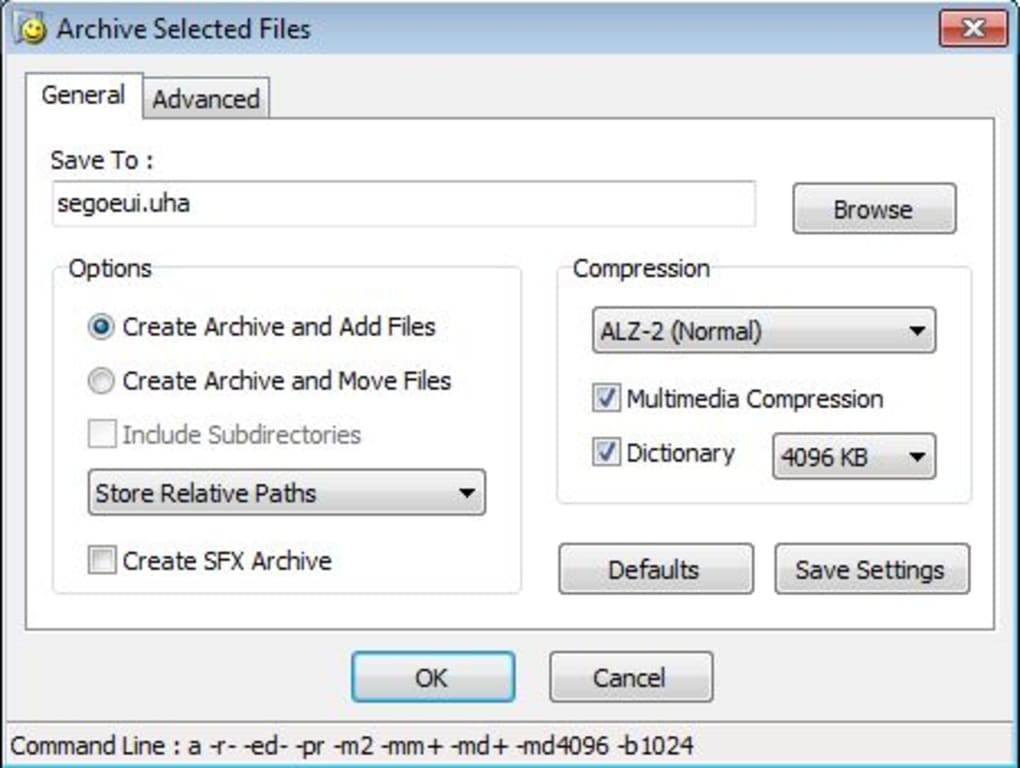
Getting started with WinUHA is simple and hassle-free. The software is available for free download from the official website, making it accessible to Windows users without any registration or hidden costs. To install, simply download the lightweight installer (typically under 10MB), run it, and follow the on-screen prompts. The installation process is quick, requiring minimal system resources and leaving no trace of bloatware or unwanted programs. Once installed, WinUHA launches with a straightforward interface that resembles traditional archivers like WinZip. The main window displays a directory view where you can drag and drop files or folders directly into the archive. Adding files is as easy as selecting them and clicking the “Add” button. Compression settings are minimal but effective—users can choose the compression level (though not adjustable for speed), set a password for encryption, and specify the output archive format (UHA, the native format of UHARC). The tool supports batch operations, allowing you to compress multiple files or folders at once without interruption. WinUHA is compatible with Windows 7, 8, 10, and 11, both 32-bit and 64-bit versions. It does not require administrator rights for basic operations, making it suitable for corporate environments or shared computers. The app is lightweight, consuming minimal RAM and CPU during compression tasks. It’s also secure—no ads, no telemetry, and no bundled software. For users who need a reliable, no-frills archiver that works seamlessly across different Windows systems, WinUHA is a solid choice. Updates are released periodically to fix bugs and improve compatibility, ensuring long-term usability.Pros, Cons, and Frequently Asked Questions
- Pros:
- Exceptional compression ratios—up to 20% better than WinZip and WinRAR
- Free to download and use with no hidden costs
- Simple, intuitive interface similar to WinZip
- Supports password protection and encryption
- Lightweight and fast to launch, even on older systems
- Compatible with Windows 7 and later
- Cons:
- Compression speed is significantly slower than mainstream tools
- No adjustable compression levels for faster processing
- Only supports UHA format (limited compatibility with other software)
- Occasional donation reminder may be distracting
- Limited advanced features compared to WinRAR or 7-Zip
Frequently Asked Questions (FAQ)
- Is WinUHA free to download and use?
Yes, WinUHA is completely free to download and use. The developer encourages users to make a donation to support ongoing development, but there is no requirement to pay.
- Can I open WinUHA archives in other software?
WinUHA archives use the UHA format, which is not natively supported by most mainstream archivers like WinZip or 7-Zip. However, some third-party tools can read UHA files, and the original UHARC command-line tool is available for advanced users.
- Is WinUHA safe to install?
Yes, WinUHA is safe to install. It is distributed directly from the official website and does not contain malware, ads, or telemetry. The software is open and transparent, with a clean installation process.
- Does WinUHA support large files and folders?
Absolutely. WinUHA handles large files and folders efficiently, making it ideal for compressing video, audio, and backup archives. The compression benefits become more noticeable with larger datasets.
- Can I extract files from WinUHA archives on Mac or Linux?
While WinUHA is Windows-only, the UHARC engine is cross-platform. You can use the command-line version of UHARC on Mac or Linux to extract UHA archives. However, the GUI version is not available on non-Windows systems.
Final Verdict: Is WinUHA Worth Trying?
In a world where file sizes continue to grow, especially with high-resolution media and large software packages, finding a tool that reduces file size without compromising integrity is invaluable. WinUHA delivers on this promise with its superior compression capabilities, making it a standout choice for users who prioritize efficiency over speed. While it may not be the fastest archiver on the market, its ability to shrink files by up to 20% more than WinZip or WinRAR makes it a powerful asset for data management, email sharing, and backup workflows. Despite its limitations—such as slower processing and lack of adjustable compression levels—WinUHA remains a reliable, secure, and free tool that deserves a spot in any user’s digital toolkit. It’s especially beneficial for power users, content creators, and IT professionals who need to minimize storage usage and bandwidth consumption. If you’re tired of hitting email size limits or running out of space on your drives, give WinUHA a try. Download it today and experience the difference that high-efficiency compression can make.Download WinUHA now and start compressing files with the best-in-class compression ratio—free, secure, and built for performance.







